
Preview every size before you export
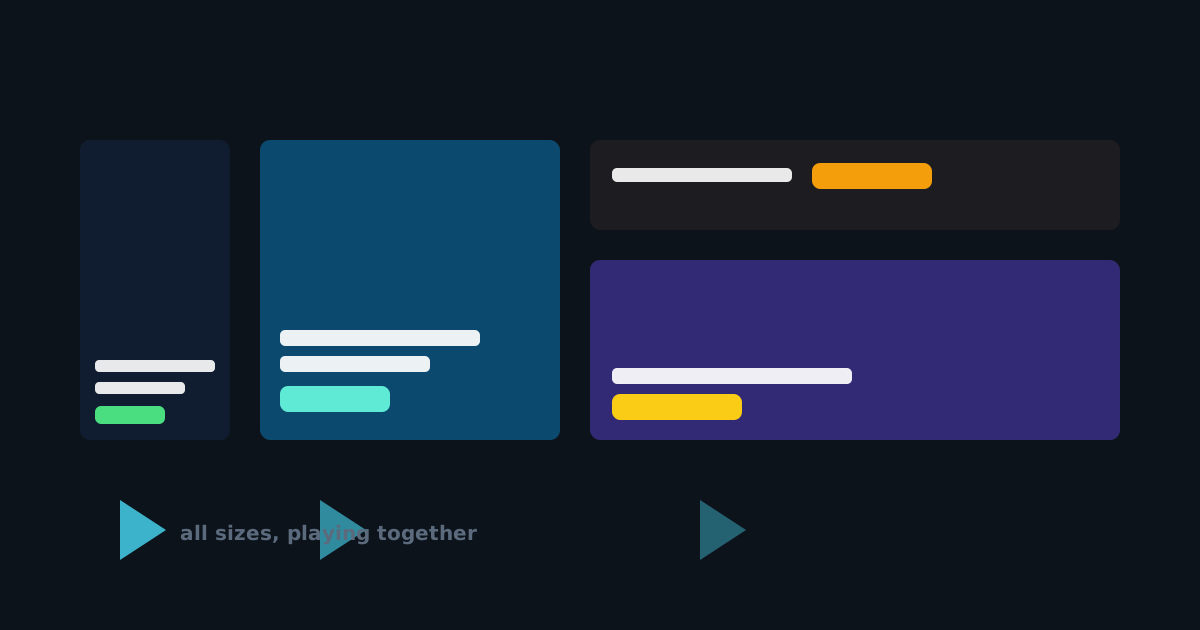
The most expensive mistake in display advertising is quiet: an ad set that looked fine at the size you designed it, and wrong at the four sizes you didn't check. The fix isn't discipline - it's making the check effortless.
One project, every size, playing together
A campaign in JUMI Ad Animator is one project holding many sizes - a 300×250, a 728×90, a square for social, whatever the plan calls for. The Preview button (next to Export) opens all of them side by side, each playing its own animation on its own clock. Ten seconds of watching tells you what an afternoon of exporting-and-opening never quite does: whether the story lands at every shape.
What to look for while it plays
- Reading time. Can you actually read each frame at the small sizes before it cuts? If not, lengthen the frame or shorten the line.
- The wide formats. Leaderboards crop backgrounds aggressively and squeeze text stacks. This is where cramped headlines show first - the editor marks them with a red dot in the layer list.
- Consistency. Same message, same button, same moment of payoff across sizes. Campaign margins, shared guides and synced headlines do the mechanical part; the preview confirms the result.
The workflow that makes it cheap
Design one size properly. Copy & fit rebuilds it on every other size - backgrounds stretch to cover, logos and buttons keep to their corners and margins, text scales with sensible minimums. Headlines stay in sync afterwards: fix a typo once and every size updates. Then Preview, nudge the one or two things that want nudging, and export the whole set in one go.
Networks check dimensions, weight and duration - no network checks whether your ad was right. That part is yours, and now it costs ten seconds.