
GIF vs MP4: which format your ad actually needs
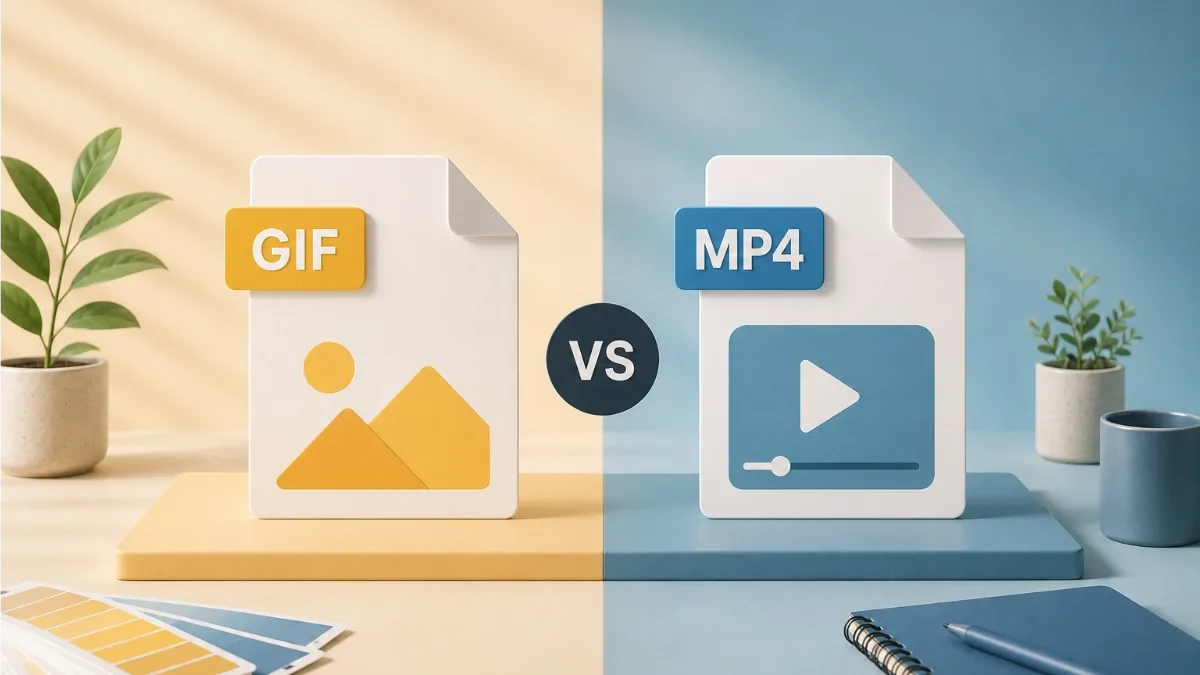
Two formats, two very different jobs. GIF is a 1987-vintage image format that display networks still trust; MP4 is modern video that social platforms are built around. Pick by destination, not by preference, and the choice mostly makes itself.
What a GIF really is
An animated GIF is a stack of still images played in sequence. That simplicity is its superpower: it behaves exactly like an image, needs no player, loops by itself, and works everywhere an image works. It is also the animated image format that display networks broadly accept, while most of them reject animated WebP and APNG.
The catch is the engineering underneath. A GIF is limited to 256 colours per frame, has no sound, and compresses far less efficiently than video. Photographic content, in particular, can balloon a GIF well past ad-network weight limits (Google Display's is 150 KB). Flat colours, bold shapes and clean slide changes compress beautifully; full-motion photography does not.
What MP4 gives you
MP4 (H.264 video) is the opposite trade. It handles true colour, gradients and photographs effortlessly, and its compression is so much better that a smooth, photo-rich animation can be a fraction of the size of the equivalent GIF. It can carry sound, though ads are usually watched muted. It is the native format of social feeds: Facebook, Instagram, LinkedIn and the rest all treat video as a first-class citizen.
What MP4 is not, on most networks, is a display-banner asset. Standard banner placements expect an image or an HTML5 package, so a beautiful MP4 will simply be rejected at upload for those slots.
Side by side
| Animated GIF | MP4 video | |
|---|---|---|
| Colour | 256 colours per frame | True colour (millions) |
| File size | Larger, grows fast with photos and motion | Small, even for photographic content |
| Sound | None | Supported (often played muted) |
| Looping | Built in, automatic | Depends on the player or platform |
| Display networks | Widely accepted as an animated banner | Not accepted as a banner asset on most networks |
| Social feeds | Usually converted or treated as an image | The native, preferred format |
| Best for | Banner slots, emails, anywhere an image goes | Social posts, stories, video placements |
A rule of thumb for file size
The formats diverge most sharply on photographic content. A three-frame banner made of flat colour panels, bold type and a logo might export as a 40 KB GIF without breaking a sweat. Swap in a full-bleed photograph per frame and the same GIF can jump past 200 KB, while an MP4 of identical content barely grows. So if your design leans on photography and the destination accepts video, MP4 saves you a compression battle. If the destination demands GIF, design with flatter colour and fewer, cleaner frame changes, and you will land under the limit with quality to spare.
So which do you use?
- Display banner placements (medium rectangles, leaderboards, skyscrapers): GIF, tuned under the network's weight limit. Design with flat colour and clean frame cuts and the 256-colour ceiling will rarely show.
- Social feeds and stories: MP4. You get full colour and smooth motion at a small size, and the platform will handle playback.
- Your own website or newsletter: either works; a GIF (or animated WebP on your own site) drops in like an image, an MP4 needs a video element but stays smaller.
The third option: HTML5
For campaigns running through Google Ad Manager or another modern ad server, an HTML5 banner package often beats both. The banner is rebuilt from real text, images and code, so type stays razor sharp, colours are unlimited, and file sizes are small. If your network accepts HTML5, it is usually the best-looking option; keep a GIF fallback for the places that do not.
JUMI Ad Animator exports all three (plus animated WebP and static PNG or JPG) from the same design, so you are never locked into one destination. Its GIF export includes colour-count control, a dithering toggle and a target-size setting for hitting weight limits precisely.
Related reading: Exporting ads for every platform · Keeping GIF file size down